Official LESCO Bill Check – Fast, Free, and No CAPTCHA Required
Enter your reference number
If you’re tired of waiting for your LESCO bill to arrive late every month, you’re not alone. Many people never receive their physical copy on time, making it hard to budget or avoid late payment penalties. The good news is you don’t have to wait anymore. With LESCO Bill Check, you can view your bill online completely free, even before the paper copy reaches your home. Just open the online bill checker, enter your reference number or Customer ID, and your duplicate bill appears instantly. You can then download it as a PDF, save a copy, or take a quick screenshot. There are no frustrating CAPTCHAs or unnecessary steps to slow you down.
However, keep in mind that LESCO has recently updated its reference number system. Your old number may no longer work. The new reference number is now 14 digits long, followed by a letter at the end. The letter U stands for urban areas and R for rural areas. You will find this number clearly printed on your latest physical bill. If you don’t have a recent bill handy, do not worry. You can also use your 7 digit Customer ID, which works just the same.
By checking your bill online, you can know the amount before the paper copy arrives, avoid late fees by paying on time, and keep a digital copy for your records. This online tool is meant only for viewing and downloading your duplicate bill. If you have a complaint or billing dispute, please contact LESCO directly through their helpline or local office. Otherwise, simply visit the official LESCO eBill portal, enter your reference number or Customer ID, and get your duplicate bill in seconds. No hassle, no waiting, and completely free
What Makes the LESCO Bill Check Page So Useful?
LESCO is one of the largest electricity companies in Pakistan, and it works hard to serve millions of customers. The company now uses modern technology to help you do more than just check your bill online for free. You can also access several other useful services.
For example, you can view your electricity usage and payment history for the last twelve months. This lets you see exactly how many units you used each month, what your bill was, and how much you paid. It is a great way to track your consumption over time. You can also check your account status, which shows important details like your name, address, billing month, meter reading date, bill issue date, due date, and the amount you need to pay before or after the due date. You can even see if you have already made a payment for the current month.
All of these features are available in one place with just one click. You only need your reference number or customer ID. No CNIC is required. The best part is that everything is completely free. You do not have to pay a single penny to use any of these services.
This is a perfect example of how technology can truly serve people and make daily life a little easier. Just remember that you cannot check your bill using your CNIC. So keep your reference number or customer ID handy at all times.
How to Find Reference Number and Customer ID
The reference number is a unique code assigned to every electricity customer. It has 14 digits followed by one letter, either R or U. You can find it printed in the top left corner of your bill. It is very easy to spot.
The customer ID is another unique number given to each customer for identification. It is 7 digits long and also printed in the top left corner of your bill, just above the reference number.
A sample electricity bill is shared below with both the reference number and customer ID clearly marked. This will help you easily locate them on your own bill.
LESCO Bill Components
Your electricity bill has several different parts, and sometimes it can be hard to understand. Below, we explain each section so you can read your bill with confidence.
Customer Details
The top left corner of your bill shows your personal information. This includes your name, address, connection type, connection date, reference number, customer ID, and sanctioned load. It is a good habit to check this information carefully before you pay your bill.
Metering Data
This section gives you key details about your current bill. It includes your billing month, reading date, previous meter reading, current meter reading, total units consumed, and your current bill amount. The number of units you use decides your tariff slab, which is the rate used to calculate your bill.
Billing History Table
This section is very useful. It shows your electricity data for the last twelve months, including units used, bill amounts, and payments you made. By looking at this table, you can easily track your usage and payment history over the past year.
Charges Breakdown
Your electricity bill does not only include the cost of electricity. It also includes government taxes and duties. This section shows both the LESCO electricity charges and various government taxes, such as sales tax, income tax, further tax, fuel price adjustment, FC surcharge, and quarterly tariff adjustments.
Taxes in the LESCO Bill
Your electricity bill includes various government taxes and duties on top of the actual electricity price. Below, we explain all these taxes in detail so you can understand what you are paying for. You can also use the free LESCO Bill Calculator online to estimate your bill before it arrives.
Electricity Duty
This tax is imposed by the government at a rate of 1.5% on your bill.
GST (General Sales Tax)
This is a sales tax imposed by the government at a rate of 17% on your electricity charges.
FPA (Fuel Price Adjustment)
This adjustment is calculated by NEPRA based on changes in fuel prices. It goes up or down depending on how much the fuel cost changes.
FC Surcharge (Financial Cost Surcharge)
This is another tax added to your electricity bill at the rate of Rs 0.43 per unit of electricity you consume.
QTA (Quarterly Tariff Adjustments)
These adjustments are imposed by NEPRA every three months to adjust electricity rates based on various factors.
Income Tax
Income tax is also included in your bill, but only if your bill amount is above a certain limit set by the government.
What is LESCO?
LESCO is the short name for Lahore Electric Supply Company. It is one of the largest power supply companies in Pakistan. It provides electricity to the districts of Lahore, Kasur, Okara, Sheikhupura, and Nankana Sahib. It supplies electricity to different types of customers, including urban, rural, commercial, industrial, and agricultural users. It works under the Water and Power Development Authority (WAPDA) with the tagline “the lifeline for progress”.
LESCO has more than 6.4 million customers from all walks of life and covers an area of 16,000 square kilometers. It has a large infrastructure to serve its customers, including 120 grid stations, 2,150 feeders, and more than 48,000 kilometers of power lines. It also has more than 19,500 employees who manage its operations and provide good services to its valued customers. LESCO has a well-organized structure that includes circles, divisions, subdivisions, and grid stations to perform its functions efficiently.
LESCO Bill Payment Methods
LESCO offers many ways to pay your electricity bill. Customers can choose any method that suits them best. Here we will explain each method in detail so you can pick the one that works for you. LESCO has also introduced a complaint management system to handle problems faced by consumers. You can visit the LESCO Complaints section to learn how to register and track your complaints.
Bill Payment via Banks
Commercial Banks: You can pay your electricity bill at any branch of a commercial bank. All commercial and scheduled banks are allowed to accept electricity bills. They take your bill and give you a receipt for your payment. You will need to visit the bank branch to pay. Keep in mind that you may have to wait in a queue at the bank.
Bill Payment via ATM
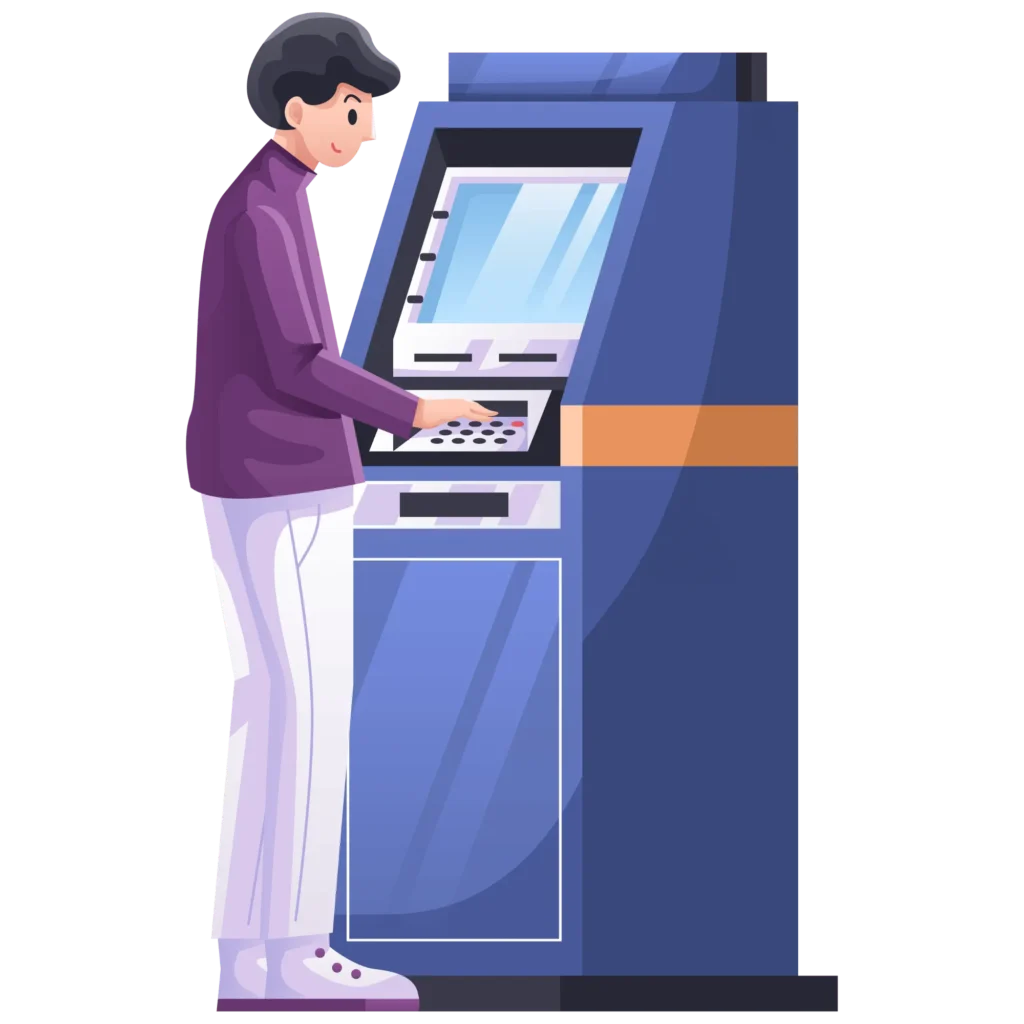
LESCO also allows bill payment through all commercial bank ATMs. You need to visit any bank’s ATM, insert your card, select bill payment, choose LESCO Bill, and enter your reference number. You will see your due amount and due date. Confirm your details, select payment, and enter your PIN to complete the payment. You will then receive a confirmation message.
Bill Payment via Mobile Wallets
Mobile wallets are one of the most popular ways to pay bills because they are easy to use and you do not need to visit a bank to open an account. You can pay your bill using EasyPaisa, JazzCash, UPaisa, SadaPay, or NayaPay. Just open the mobile app and pay your bill easily. If you do not have a smartphone, you can still pay your bills by dialing *786# on your phone.
Bill Payment via QR Code
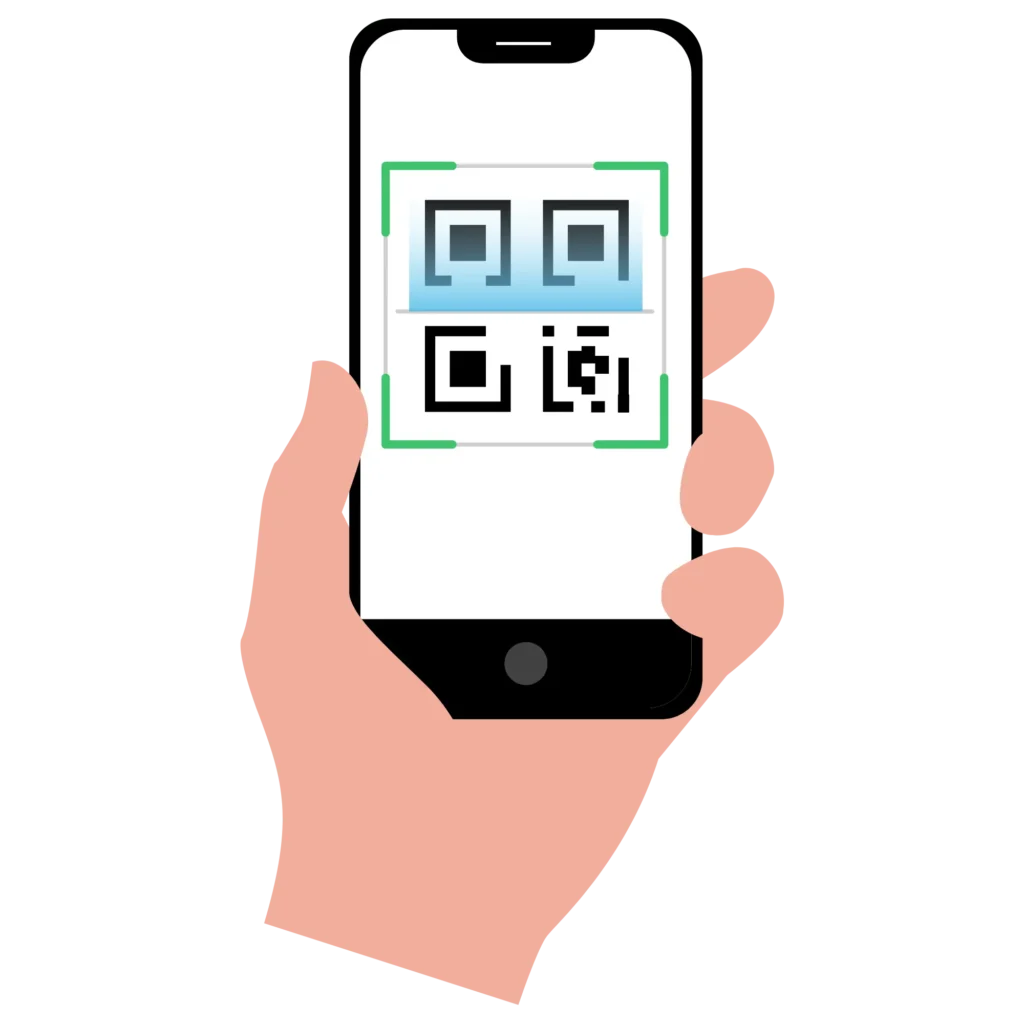
To make bill payment even easier, LESCO now prints a QR Code on every bill. You simply need to scan the QR Code to pay. Open any bank or mobile wallet app, select QR payments, and scan your bill. You will see your bill details on the screen. After confirming your details, select Pay Bill. Your bill will be paid instantly, and you will receive an SMS confirming the payment.
Bill Payment via Power Smart App
The Power Smart App is designed to help electricity customers on the go. You can do many tasks on this app, and bill payment is one of them. Download and install the app now, then enter your reference number to see your bill. You can also pay your bill instantly with this app, without any hassle.
Bill Payment via Raast Payment
Raast is the latest payment method launched in Pakistan for digital banking. You can pay your electricity bills instantly using this method. Open your digital mobile banking app, select Raast Payments, then select Bill Payments, and enter your reference number or scan the QR code to view your bill. After your details are verified, you can pay your bill with no extra charges. You will get a confirmation message right away.
LESCO Tariff
When we use a service or consume something, we need to pay for it. In the case of LESCO, customers use electricity and are charged for it. This charge is called the LESCO Tariff. The tariff is different for different types of customers. Domestic consumers pay lower rates than commercial or industrial users. Also, domestic consumers are further divided into categories based on how much electricity they use.
Lifeline Users
Lifeline users are those who consume up to 100 units of electricity for the last 12 months in a row. They are charged very low rates and are the most protected customers. The government helps them by keeping their bills affordable.
Protected Consumers
Consumers who use up to 200 units per month for the last six months in a row are called protected consumers. They are charged less because the government subsidizes their electricity bills.
Unprotected Consumers
Unprotected consumers are those who use more than 200 units in a month. They are charged higher rates compared to protected consumers.
The tariff is different for commercial, industrial, and agricultural consumers as well. It mainly changes based on the sanctioned load and how much electricity they use. These customers pay according to their consumption during peak hours and off-peak hours.
Peak and Off-Peak Hours
When electricity usage is high, those times are called peak hours. This is when most people use electricity, which increases the burden on the national grid. As a result, prices are higher during peak hours. These hours change depending on the weather and season.
Here is a table showing the peak hours for different seasons of the year:
| Season | Peak Timing | Off-Peak Timing |
|---|---|---|
| December to February | 5:00 PM to 9:00 PM | Remaining 20 hours |
| March to May | 6:00 PM to 10:00 PM | Remaining 20 hours |
| June to August | 7:00 PM to 11:00 PM | Remaining 20 hours |
| September to November | 6:00 PM to 10:00 PM | Remaining 20 hours |
Tips For Lowering Your LESCO Bill
Here are some simple and practical tips to help you reduce your electricity bill:
- Replace old appliances: Swap your old, energy-wasting appliances with modern, energy-efficient ones. They use less electricity and save you money in the long run.
- Switch off when not in use: Always turn off all lights, fans, and other appliances when you leave a room. Do not leave them on if nobody is using them.
- Unplug unused devices: Unplug appliances like TVs, air conditioners, microwaves, and phone chargers when you are not using them. Even when turned off, they still use a small amount of electricity if plugged in.
- Avoid peak hours: Try not to use high-consumption appliances like air conditioners, irons, and washing machines during peak hours. Using them during off-peak hours can lower your bill.
- Stay in the protected category: Try to keep your monthly electricity usage under 200 units. Protected consumers are charged less than unprotected ones.
- Set your AC to 26 degrees: Set your air conditioner to 26 degrees Celsius instead of a lower temperature. This keeps your room comfortable while using much less electricity.
SMS Registration
LESCO offers an SMS subscription service to its customers for updates about readings and bills. If you register for this service, you will receive an SMS as soon as your meter reading is done. When your bill is printed, you will get another SMS with the bill details, including the due date and the amount you need to pay. This helps you stay informed without checking manually.
To register for this service, visit the company’s official website and fill out the form. You will need to provide your customer ID and mobile number to activate the service. The company is also planning to launch an email service soon, and you can register for that as well when it becomes available.
How to Get a LESCO New Connection
LESCO serves its customers by providing quality services across all areas under its control. If you want to apply for a new electricity connection, you can do so online without visiting any office. Simply open the company’s official website, then select “New Connection”. You will be taken to a new website called ENC. Fill out the form, provide the required information, and follow the steps. On this website, you can also apply to change your connection name, tariff, or load. For a detailed step-by-step guide, visit the “New Connection” page.
Benefits of Checking Bills Online
Checking your electricity bill online has many benefits for customers. Here are some of the main advantages:
- Check anytime: You can check your bill at any time of the day or night, whenever it is convenient for you.
- Get instant results: You will see your bill instantly after entering your reference number or customer ID. No waiting required.
- Print a duplicate bill for free: If you lose your original bill, you can print a duplicate copy online at no cost.
- Check before the hard copy arrives: You can view your bill online before the physical copy reaches your home. This helps you plan ahead.
- More time to arrange funds: Since you get your bill earlier online, you have enough time to arrange the money before the due date.
- Pay early: You can pay your bill as soon as you see it online, which helps you avoid last-minute rush and late fees.
- Very easy to use: The online bill checking interface is user-friendly, so anyone can check their bill without any trouble.
Frequently Asked Questions (FAQs)
How can I check my LESCO Bill online?
You can check your bill online by visiting the official LESCO website or using this tool. Simply enter your 10-digit reference number or 7-digit customer ID, and your bill details will appear instantly.
What is the difference between the reference number and the customer ID?
The reference number is a 14-digit code followed by a letter (R or U) printed on your bill. The customer ID is a 7-digit number also printed on your bill. Both can be used to check your bill online, but the reference number is the more commonly used option.
How can I find my reference number and customer ID?
Both numbers are printed on your physical electricity bill. Look at the top left corner of your bill. The customer ID is usually above the reference number. Both are clearly visible and easy to find.
Can I check my bill using a mobile app?
Yes, you can use the Power Smart App or any mobile banking app to check your bill. You just need to enter your reference number or scan the QR code on your bill.
Can I check my bill using my CNIC number?
No, you cannot check your bill using your CNIC number. You need either your reference number or your customer ID to view your bill online.
Can I download my bill online?
Yes, you can download your bill as a PDF file. You can also save a copy to your device or take a screenshot for your records.
Can I pay my bill after the due date?
Yes, you can still pay after the due date, but you will have to pay late payment charges. It is always better to pay before the due date to avoid extra fees.
How to correct a wrong bill?
If you think your bill is incorrect, you should contact LESCO officials directly. You can visit your nearest LESCO office or use their complaint management system to register your issue.
How can I report a power outage?
You can report a power outage by calling LESCO helpline or using their mobile app. You can also visit your local subdivision office to report the issue.
Is it safe to pay the bill online?
Yes, paying your bill online is safe if you use official apps and trusted platforms like bank apps, EasyPaisa, JazzCash, or the Power Smart App. Always double-check that you are using the correct website or app before entering your payment details.
Disclaimer
This website is an informational guide only and is not affiliated with LESCO. To check your official bill, please visit the official LESCO website. The information provided here is for general guidance and may not reflect the most current policies or rates. Learn more