Do you have a LESCO electricity connection in Lahore, Kasur, Okara, Sheikhupura, or Nankana Sahib? Then you must have seen a long number on your electricity bill. This number is called the LESCO bill reference number. It is one of the most important numbers for any LESCO consumer.
Without this number, you cannot check your bill online, pay your bill through banking apps, or download a duplicate bill. This guide will explain everything about the LESCO reference number – what it is, where to find it, how to use it, and what to do if you lose it.
What is LESCO Bill Reference Number?
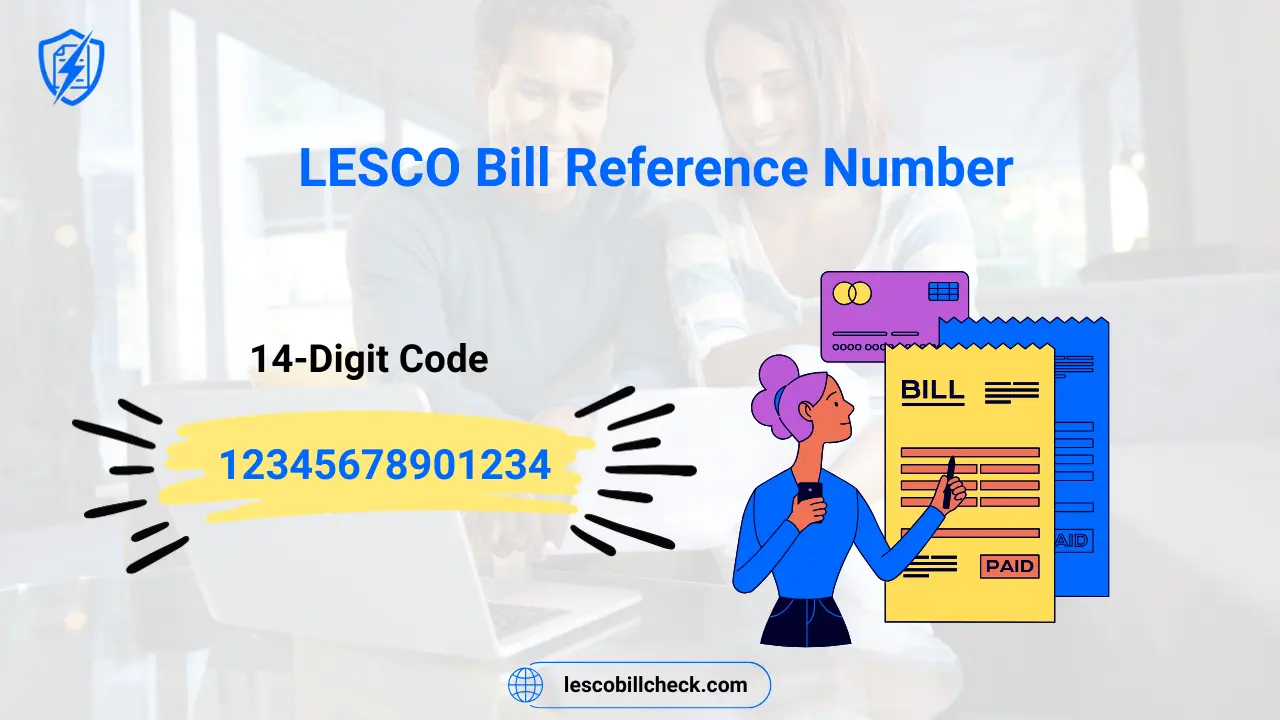
The LESCO reference number is a unique 14-digit code printed on your electricity bill. It is used to identify your specific electricity connection. Every LESCO consumer has a different reference number. No two connections have the same number.
The reference number is followed by a letter at the end. The letter “U” stands for urban areas, and the letter “R” stands for rural areas within LESCO’s jurisdiction. For example, a reference number looks like this: 12345678901234U or 12345678901234R.
According to the official LESCO website, every consumer has a unique bill reference number. You need this number to check your bill online, view your payment history, and pay your electricity bill through banks or mobile apps.
Where to Find Your LESCO Reference Number?
Finding your LESCO reference number is very easy. Here are all the places where you can find it:
1. On Your Physical Electricity Bill
The reference number is printed on the top-left corner of your physical LESCO bill. It is clearly visible and easy to spot. Just look at any recent bill, and you will see a 14-digit number followed by U or R.
2. On Your Customer ID Section
If you look closely at your bill, you will also see a 7-digit Customer ID printed directly above the reference number. Both numbers can be used to check your bill online. The Customer ID is an alternative to the reference number.
3. On Any Old Bill
If you have lost your current bill, do not worry. Any previous month’s bill will have the exact same reference number. The reference number never changes for your connection. It remains the same every month.
4. Through LESCO Helpline
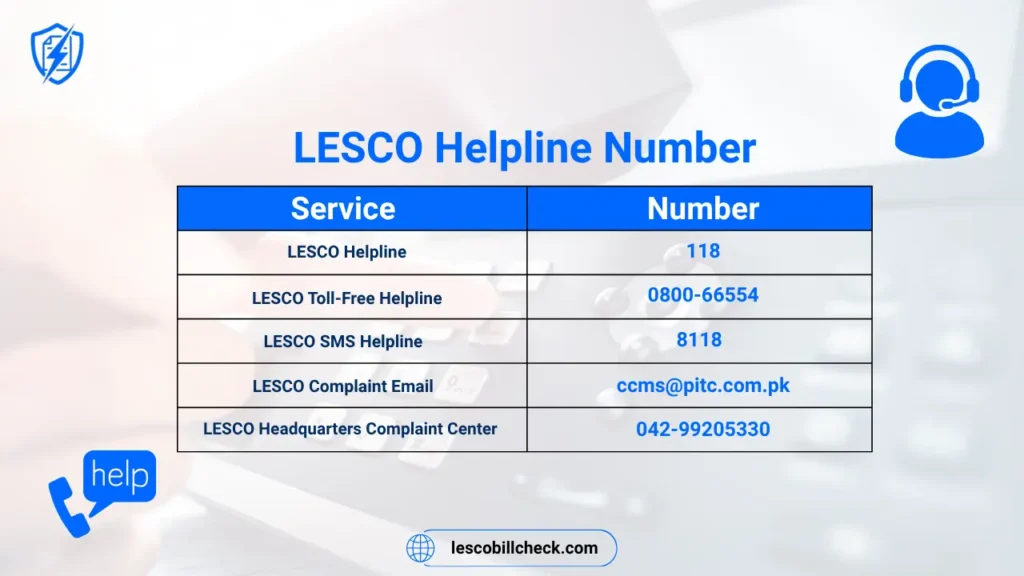
If you do not have any bill at home, you can call LESCO helpline at 118. Provide your name, address, and meter number. The customer service representative will give you your reference number.
5. By Visiting LESCO Office
You can also visit your nearest LESCO customer service center. Take your CNIC and meter number with you. The office staff will provide your reference number.
How to Check LESCO Bill by Reference Number?
Once you have your 14-digit reference number, checking your bill online is very simple. Follow these steps:
Method 1: Through Official LESCO Website
- Open your browser and visit https://www.lesco.gov.pk
- Click on “Customer Bill” or “Check Bill” option.
- Enter your 14-digit reference number (example: 12345678901234U).
- Click on the “Submit” or “Check Bill” button.
- Your bill will appear on the screen instantly.
- You can download it as PDF or take a screenshot.
Method 2: Through PITC Web Bill Portal
- Visit https://bill.pitc.com.pk/lescobill
- Enter your reference number or customer ID.
- Select U (urban) or R (rural) if required.
- Click “Search” or “Submit”.
- Your electricity bill will be displayed.
Method 3: Through Third-Party Websites (Unofficial)
Many unofficial websites like lescoebillcheck.pk, onlinebills.pk, and billcheckpk.com also allow you to check your LESCO bill by entering your reference number. These sites are free and easy to use, but always verify official information from LESCO’s official website.
How to Pay LESCO Bill Using Reference Number?
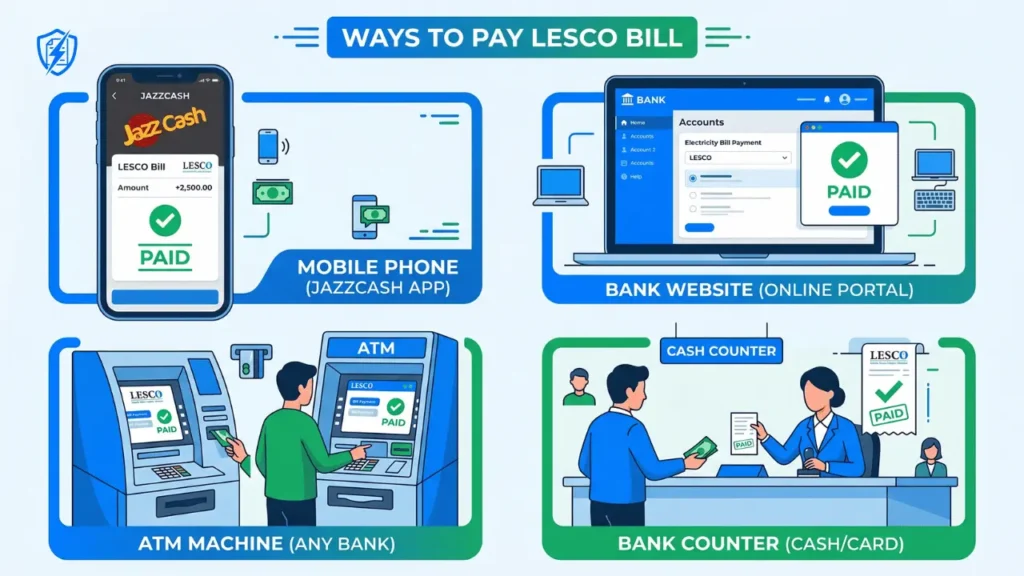
Your reference number is also required to pay your electricity bill. Here are the most common payment methods:
| Payment Method | How to Pay Using Reference Number |
|---|---|
| JazzCash / EasyPaisa | Open app → Select Bill Payment → Choose LESCO → Enter reference number → Pay |
| Mobile Banking Apps | Open bank app → Select Bill Payment → Enter reference number → Confirm payment |
| myABL Mobile App | Login to myABL → Select Payments → Enter reference number or customer ID → Pay |
| ATM Machines | Insert card → Select Bill Payment → Choose LESCO → Enter reference number → Pay |
| Bank Counter | Visit any bank branch → Give your reference number and cash → Get receipt |
According to Allied Bank, you can pay your LESCO bill by logging into the myABL Mobile Banking App, selecting the Payments option, and entering your reference number or customer ID.
What is the Difference Between Reference Number and Customer ID?
Many LESCO consumers get confused between these two numbers. Here is the simple difference:
- Reference Number: 14 digits + 1 letter (U or R). Example: 12345678901234U
- Customer ID: 7 digits only. Example: 1234567
Both numbers are printed on your bill. The Customer ID is usually printed directly above the reference number. You can use either number to check your bill online or pay your bill.
However, the reference number is more commonly used because it is more detailed and unique. The Customer ID is shorter and easier to remember.
How to Find LESCO Reference Number Without Bill?
If you have lost your electricity bill and do not have the reference number, do not worry. Here are ways to find it:
- Check your old bills: The reference number is the same on every bill. Find any old bill from previous months.
- Call LESCO helpline 118: Provide your name, address, and meter number. They will give you your reference number.
- Check your payment receipts: If you have paid your bill before, the receipt has your reference number printed on it.
- Check your bank app history: If you paid online, your reference number is saved in the transaction history.
- Visit LESCO office: Go to your nearest customer service center with your CNIC. They will provide your reference number.
Important Note: You cannot find your LESCO reference number using only your CNIC through online portals. You must call the helpline or visit the office for assistance.
LESCO Reference Number Format Explained
Understanding the format of your LESCO reference number can help you use it correctly:
| Part | Description | Example |
|---|---|---|
| First 14 Digits | Unique code for your connection | 12345678901234 |
| Last Letter | U = Urban area, R = Rural area | U or R |
| Full Reference Number | 14 digits + 1 letter | 12345678901234U |
According to the official LESCO Web Bill portal, when you enter your reference number, you must also select whether it ends with U or R. If you select the wrong letter, the system will show an error message saying “Given Ref/App No is invalid”.
How to Check Neighbor’s LESCO Bill with Reference Number?
If you have permission from your neighbor, you can check their LESCO bill using their reference number. Simply visit the LESCO website or any bill check portal, enter their 14-digit reference number, and view the bill.
Important: You should only check someone else’s bill with their permission. Do not misuse anyone’s reference number. The reference number is private information linked to their electricity connection.
LESCO Reference Number vs Tracking ID vs Consumer Number
Here is a quick comparison to clear all confusion:
- Reference Number: 14 digits + U/R – Used for bill check and payment.
- Customer ID: 7 digits – Alternative to reference number.
- Consumer Number: Same as Customer ID – 7 digits.
- Tracking ID: Used for complaint tracking, not for bill payment.
- Meter Number: Printed on your physical meter – Cannot be used for bill check.
Frequently Asked Questions (FAQs)
How to get LESCO reference number?
Your LESCO reference number is printed on the top-left corner of your electricity bill. If you don’t have a bill, call 118 or visit your nearest LESCO office.
How can I know my electricity bill reference number?
Look at any LESCO bill (current or old). The reference number is a 14-digit number followed by U or R on the top-left corner.
What is the tracking ID of LESCO?
Tracking ID is a number provided when you register a complaint. It is different from the reference number. Use it to track your complaint status.
What is your consumer number?
Your consumer number is the same as your Customer ID. It is a 7-digit number printed above the reference number on your LESCO bill.
How to check LESCO reference number through CNIC?
You cannot check your reference number online using only CNIC. Call LESCO helpline 118 or visit a customer service center with your CNIC.
What is the new LESCO reference number format?
The new LESCO reference number is 14 digits followed by a letter. U for urban areas, R for rural areas.
Can I use old reference number to check bill?
Yes, the reference number never changes. You can use any old bill’s reference number to check your current bill.
How to enter LESCO reference number in myABL app?
Open myABL app → Select Payments → Bill Payment → Choose LESCO → Enter your 14-digit reference number → Confirm and pay.
What is reference number in LESCO bill?
The reference number is a unique 14-digit code followed by U or R. It identifies your electricity connection and is required for bill check and payment.
How to check LESCO bill by serial number?
LESCO does not use serial numbers for bill check. You must use your 14-digit reference number or 7-digit customer ID.
Conclusion
The LESCO bill reference number is the key to all online electricity services. Whether you want to check your bill, download a duplicate bill, pay through JazzCash or EasyPaisa, or register a complaint – you need this 14-digit number.
Save your reference number in a safe place. Write it down in a notebook or save it in your phone contacts. This will save you time and trouble when you need to check your bill or make a payment.
Remember: Your reference number is 14 digits followed by U or R. It never changes. Keep it handy and use it whenever you need to access your LESCO electricity information.
Was this guide helpful? Share it with your friends and family who are LESCO consumers.