Are you a LESCO customer living in Lahore, Kasur, Okara, Sheikhupura, or Nankana Sahib? Do you want to receive your electricity bill directly on your mobile phone? If yes, then LESCO SMS Registration is the perfect solution for you.
LESCO SMS service is an official and free alert system by Lahore Electric Supply Company. Once you register, you will receive your monthly bill amount, due date, meter reading update, and load shedding schedule directly on your mobile phone via SMS. No internet needed. No smartphone required.
What is LESCO SMS Registration?
LESCO SMS registration is the process of adding your mobile number to LESCO’s official system. After registration, LESCO sends you important updates through SMS on your registered mobile number.
This service is completely free for all LESCO consumers. You can register online through the LESCO website or by sending a simple SMS. Once registered, you will receive:
- Monthly electricity bill amount
- Due date reminder
- Meter reading date and units consumed
- Payment confirmation messages
- Load shedding schedule and power outage alerts
- Important announcements from LESCO
According to LESCO official sources, the company has decided to send meter readings to consumers on their mobile phones on a regular basis. This helps consumers stay informed without visiting the LESCO office or website.
Why Should You Register for LESCO SMS Service?
Here are the main benefits of LESCO SMS registration:
| Benefit | Description |
|---|---|
| Free of Cost | LESCO does not charge any fee for SMS registration and alerts. No hidden charges. |
| No Internet Needed | Works on any basic mobile phone. No smartphone or WiFi required. |
| Instant Bill Alerts | Get your electricity bill on your phone as soon as it is generated. |
| Due Date Reminders | Receive reminders before the due date to avoid late payment penalties. |
| Meter Reading Updates | Know exactly when your meter reading is taken and how many units you consumed. |
| Load Shedding Schedule | Stay informed about power outage timings in your area. |
| Paperless & Eco-Friendly | No need for physical bills. Save paper and help the environment. |
How to Register for LESCO SMS Service?
There are two easy methods to complete your LESCO SMS registration. You can choose any method that suits you.
Method 1: Online Registration via LESCO Official Website
Follow these simple steps to register online:
- Open your mobile or computer browser.
- Visit the official LESCO website: https://www.lesco.gov.pk/customer_reg/registration.asp
- You will see the “SMS Registration – LESCO Online Bill” page.
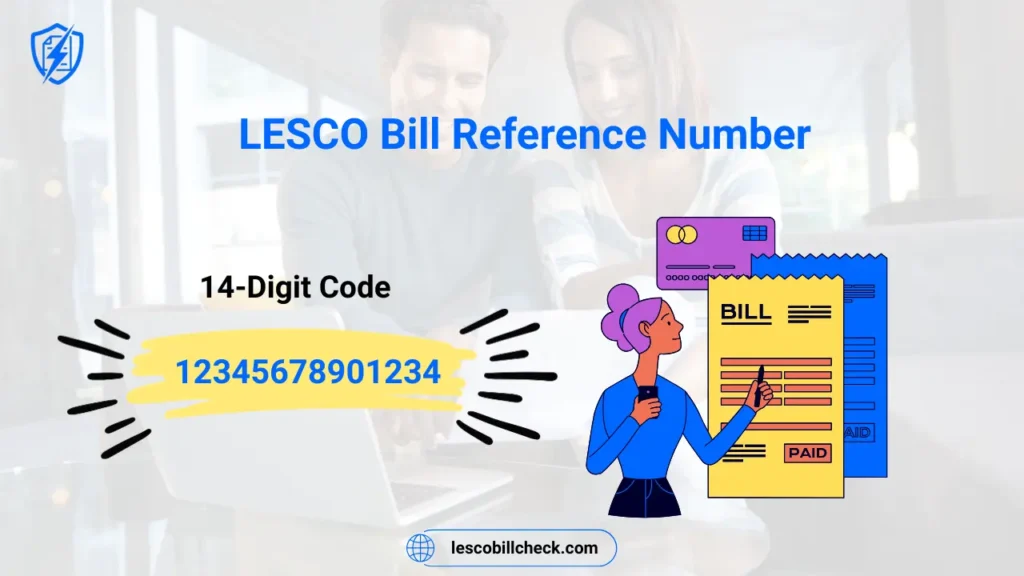
- Enter your 14-digit reference number (printed on your electricity bill).
- Enter your mobile number starting with 92 (example: 923001234567).
- Click on the “Submit” or “Register” button.
- You will receive a confirmation SMS on your mobile that your number has been registered.
According to LESCO, customers can register on the site by adding three fields (reference number, mobile number, and verification code). After successful registration, they will be notified by SMS about bill meter reading, LESCO bill, and due dates.
Method 2: SMS Registration (Without Internet)
If you don’t have internet access, use this simple method:
- Open the messaging app on your mobile phone.
- Type REG followed by a space and your 14-digit reference number.
- Example: REG 12345678901234U
- Send this SMS to 8118.
- You will receive a confirmation message from LESCO that you have successfully registered.
Note: The LESCO SMS service number is 8118. All registration and bill inquiry messages should be sent to this number only.
How to Check LESCO Bill After SMS Registration?
Once you have completed your LESCO SMS registration, you can check your bill anytime by sending a simple SMS.
Steps to check your bill via SMS:
- Open your message app.
- Type your 14-digit reference number (example: 12345678901234U).
- Send it to 8118.
- Within seconds, you will receive an SMS with your bill amount, due date, and reference number.
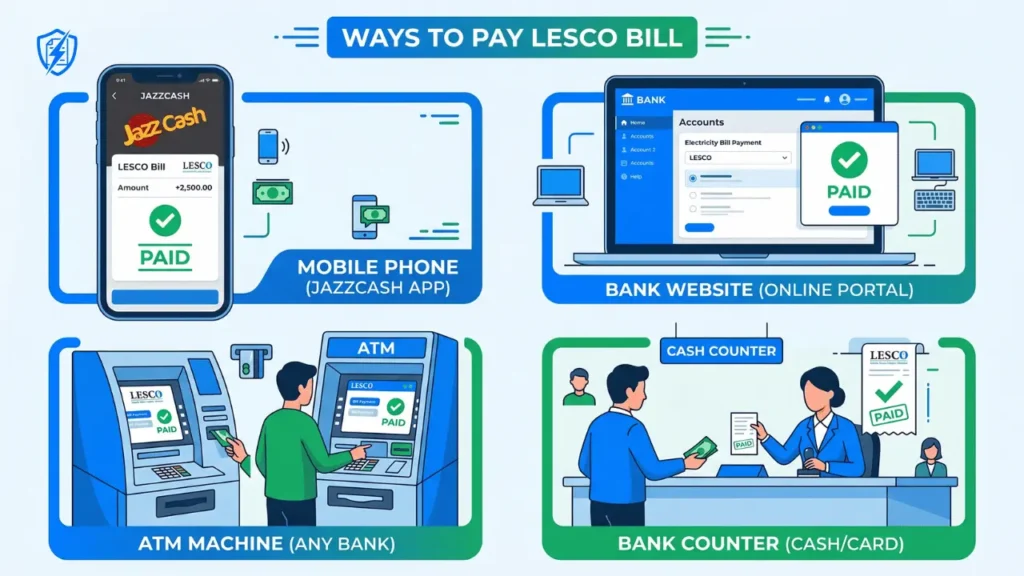
This is very helpful when you have lost your physical bill or need to check the amount quickly before making a payment through JazzCash, EasyPaisa, or bank.
What Information Do You Get via LESCO SMS?
After successful LESCO SMS registration, you receive the following information on your mobile:
- Monthly Bill Amount: The exact amount you need to pay for electricity usage.
- Due Date: The last date to pay your bill without late payment charges.
- Reference Number: Your unique 14-digit code (ends with U for urban, R for rural).
- Meter Reading Date: When your electricity meter was read by the LESCO official.
- Units Consumed: How many units of electricity you used during the billing month.
- Payment Confirmation: When you pay your bill, you get a confirmation SMS.
- Load Shedding Schedule: Power outage timings for your specific area.
- Bill Issue Date: The date when your bill was officially generated.
How to Unsubscribe from LESCO SMS Service?
If you no longer wish to receive SMS alerts from LESCO, you can easily unsubscribe.
Steps to unsubscribe:
- Open your message app on your mobile.
- Type UNREG followed by a space and your 14-digit reference number.
- Example: UNREG 12345678901234U
- Send this SMS to 8118.
- You will receive a confirmation message that you have been unsubscribed from LESCO SMS service.
You can register again anytime by following the same registration process. If you change your mobile number, first unsubscribe the old number, then register your new number.
LESCO SMS Registration Not Working – Troubleshooting Guide
Sometimes users face issues with LESCO SMS registration or alert service. Here are common problems and their solutions:
Problem 1: Not receiving confirmation SMS after registration
Solution: Wait for 10-15 minutes. Sometimes network delays occur. If still not received, try registering again with correct reference number.
Problem 2: Wrong reference number entered
Solution: Your reference number is 14 digits followed by a letter (U for urban areas, R for rural areas). Check your physical bill carefully and register again.
Problem 3: Mobile network issue
Solution: Make sure your mobile network has good signal strength. Try sending the registration SMS again after some time.
Problem 4: Mobile number changed
Solution: You must first unsubscribe your old number by sending UNREG to 8118. Then register your new number using the registration process.
Problem 5: Still not working
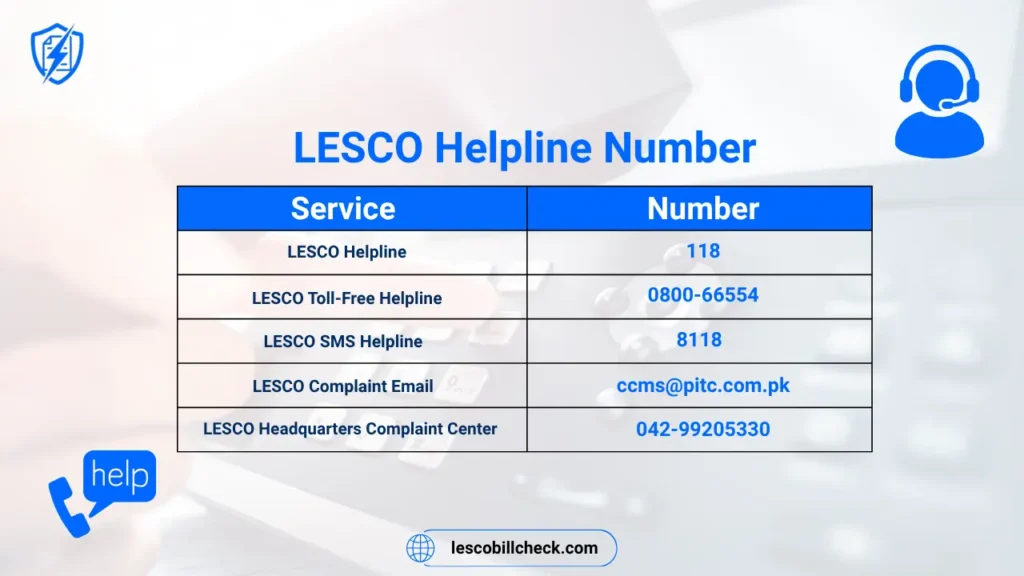
Solution: Contact LESCO helpline at 118 or send an email to ccms@pitc.com.pk. You can also visit your nearest LESCO customer service center.
LESCO Helpline Number and Customer Support
If you face any issue with LESCO SMS registration or bill alerts, here are the official ways to contact LESCO support:
| Support Channel | Contact Details | Availability |
|---|---|---|
| Toll-Free Helpline | 0800-66554 | 24/7 |
| Emergency Helpline | 118 | 24/7 |
| Email Support | ccms@pitc.com.pk | 24/7 |
| SMS Service Number | 8118 | 24/7 (for registration and bill check) |
| WhatsApp Number | Contact 118 for WhatsApp details | During office hours |
According to PITC (Power Information Technology Company), complaint channels include calling 118, sending SMS to 8118, or emailing ccms@pitc.com.pk.
Frequently Asked Questions (FAQs) – LESCO SMS Registration
How to check the LESCO bill?
You can check your LESCO bill by sending your 14-digit reference number via SMS to 8118. You can also check online at the official LESCO website or using the Power Smart App.
How do I complain to LESCO online?
You can register your complaint online through the PITC Complaint Management System at ccms.pitc.com.pk. You can also call 118 or send an SMS to 8118 with your reference number and complaint details.
How can I check my bill online?
You can check your LESCO bill online by visiting the official LESCO website and entering your 14-digit reference number or 7-digit customer ID.
What is the WhatsApp number for LESCO?
For WhatsApp support, you can call LESCO helpline 118 to get the official WhatsApp contact number. LESCO is gradually expanding its digital support channels.
Is LESCO SMS registration free?
Yes, LESCO SMS registration is completely free. LESCO does not charge any fee. However, your mobile network may charge standard SMS rates (Rs. 2 to Rs. 5) when you send messages to 8118.
How do I find my LESCO reference number?
Your 14-digit reference number is printed on the top left corner of your electricity bill. It ends with U (urban) or R (rural). If you don’t have a bill, call 118 for help.
Can I register multiple mobile numbers for one LESCO connection?
Yes, you can register up to two mobile numbers for one LESCO reference number. This helps family members all receive bill alerts.
What is the LESCO SMS service number?
The official LESCO SMS service number is 8118. Send REG to 8118 for registration, and send your reference number to 8118 to check your bill.
Is there a LESCO SMS app?
LESCO has the Power Smart App for smartphone users. However, the SMS service works without any app. Simply use your phone’s default messaging app.
What is WAPDA SMS registration?
WAPDA SMS registration is similar to LESCO SMS registration. LESCO works under WAPDA, and the SMS service number 8118 is managed by PITC for all electricity companies including LESCO, IESCO, GEPCO, MEPCO, PESCO, and others.
LESCO vs Other Electricity Companies – SMS Service Comparison
| Electricity Company | SMS Number | Registration Format |
|---|---|---|
| LESCO (Lahore) | 8118 | REG (Reference Number) |
| IESCO (Islamabad) | 8118 | REG (Reference Number) |
| GEPCO (Gujranwala) | 8118 | REG (Reference Number) |
| MEPCO (Multan) | 8118 | REG (Reference Number) |
| PESCO (Peshawar) | 8118 | REG (Reference Number) |
All electricity companies under WAPDA use the same SMS service number 8118. The registration format is also the same: send REG followed by your reference number.
LESCO to Introduce SMS System to Control Over-Billing Issues
According to news reports and official announcements, LESCO has decided to introduce an SMS system to control over-billing issues. This system helps consumers receive their meter readings and bill details directly on their mobile phones, allowing them to verify the accuracy of their bills.
When you receive your meter reading via SMS, you can check if the units shown match your actual consumption. If there is any discrepancy, you can immediately contact LESCO and register a complaint. This transparency helps reduce over-billing and protects consumer rights.
As reported by Dawn News, LESCO launched SMS services for meter readings back in November 2017, and since then, the system has been continuously improved. Today, millions of LESCO consumers benefit from this free SMS alert service.
Tips for Successful LESCO SMS Registration
- Save the number 8118 in your phone contacts as “LESCO Alert” for easy access.
- Keep your 14-digit reference number saved in your phone notes or a safe place.
- Register before the 1st of each month to receive the latest bill on time.
- Double-check your reference number before sending the registration SMS. A single wrong digit will cause registration failure.
- Update your number immediately if you change your mobile SIM or network provider.
- Register your family members’ numbers so everyone stays informed about the electricity bill.
- Use both SMS and online methods for complete access to your bill information.
Conclusion
LESCO SMS Registration is a simple, free, and essential service for all LESCO consumers. By registering your mobile number, you ensure that you never miss your electricity bill or due date again. You receive instant alerts about your bill amount, meter reading, load shedding schedule, and payment confirmation.
The registration process takes less than two minutes. You can register online through the official LESCO website at https://www.lesco.gov.pk/customer_reg/registration.asp or simply send REG (your 14-digit reference number) to 8118.
This service works without internet and without any smartphone. Any basic mobile phone can receive LESCO SMS alerts. It is completely free, eco-friendly, and saves you time and money.
Don’t wait for the postman or paper bill. Complete your LESCO SMS registration today and take control of your electricity bills.
Was this guide helpful? Share it with your friends and family who are LESCO consumers in Lahore, Kasur, Okara, Sheikhupura, and Nankana Sahib.