You have paid your LESCO electricity bill. But how can you be sure that your payment has been received by LESCO? Sometimes bank apps show successful payment, but the amount does not reach LESCO immediately. This guide will show you 4 easy methods to check if your LESCO bill is paid or not.
Method 1: Check via LESCO Official Website
This is the most reliable method. Follow these steps:
- Visit the official LESCO website: https://www.lesco.gov.pk
- Click on “Customer Bill” or “Check Bill” option.
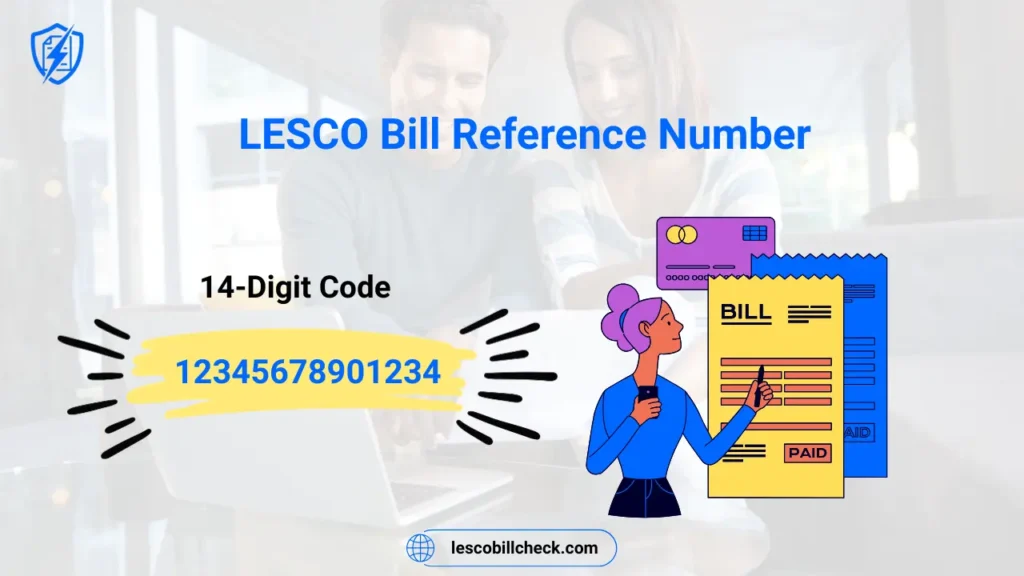
- Enter your 14-digit reference number (ends with U or R).
- Click “Submit” or “Check Bill”.
- If your bill shows “Paid” or “Zero Amount”, your payment is successful.
- If your bill still shows the original amount, your payment is not yet received.
Method 2: Check via SMS to 8118
No internet needed. Works on any mobile phone.
- Open your message app.
- Type your 14-digit reference number (example: 12345678901234U).
- Send this SMS to 8118.
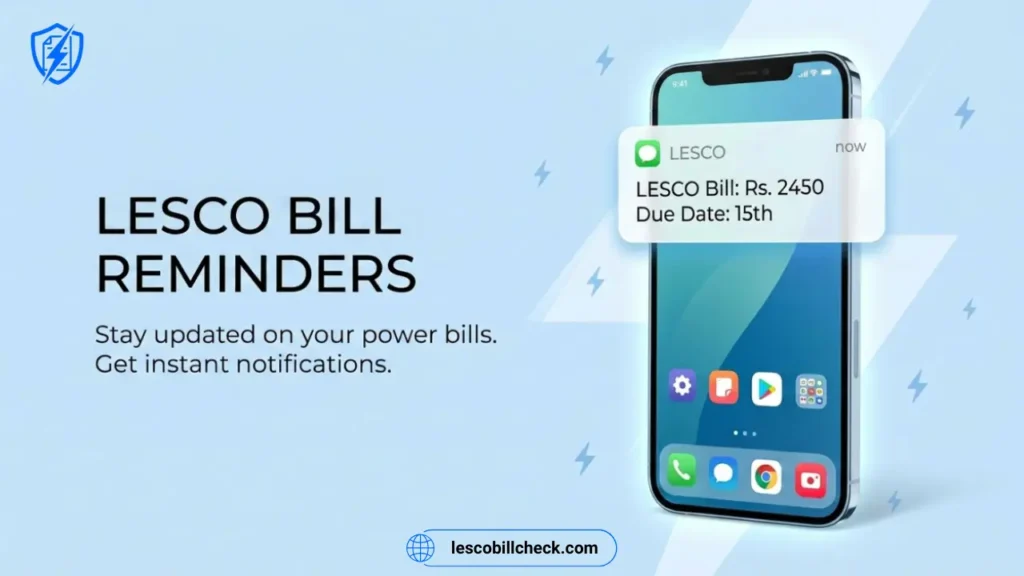
- You will receive an SMS with your bill amount and due date.
- If the message says “Your bill amount is Rs. 0” or “No due”, your payment is successful.
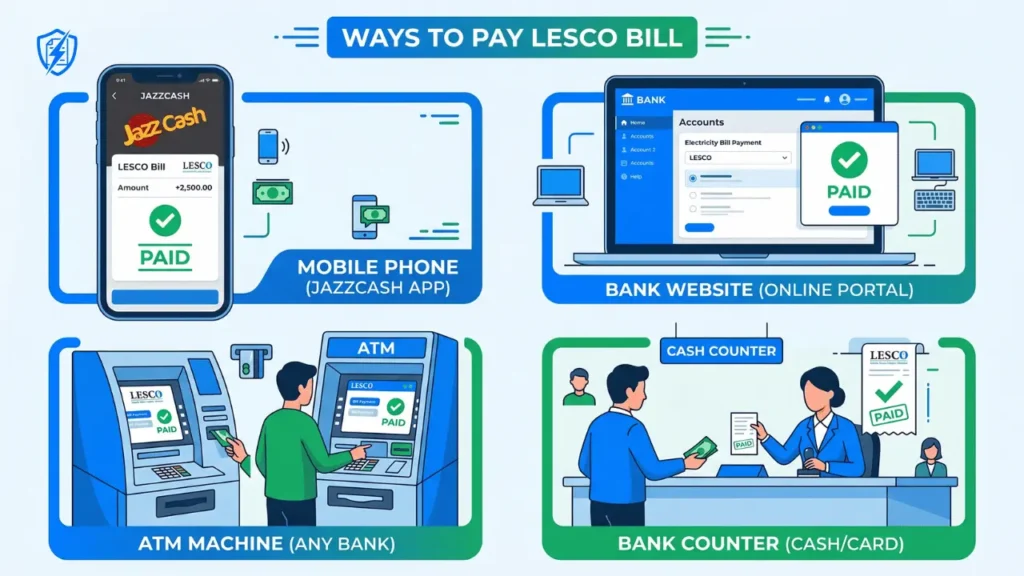
Method 3: Check via JazzCash or EasyPaisa
If you paid through a mobile wallet, you can check payment status within the app:
- Open JazzCash or EasyPaisa app.
- Go to “Payment History” or “Transaction History”.
- Find your LESCO bill payment transaction.
- Check the status: “Success” or “Completed” means paid.
- You can also try paying the bill again. If the app says “Bill already paid”, your payment is confirmed.
Method 4: Check via Bank App or ATM Receipt
If you paid through a bank, check your transaction history:
- Open your mobile banking app (Allied Bank, HBL, UBL, etc.).
- Go to “Transaction History” or “Bill Payments”.
- Find your LESCO payment.
- Check the status: “Success” or “Completed” means paid.
- If you paid at an ATM, keep the receipt. The receipt is proof of payment.
What If Payment is Not Showing as Paid?
Sometimes payment takes 24 to 48 hours to reflect in LESCO’s system. If your payment is still not showing after 2 days, take these steps:
- Keep your payment receipt (SMS confirmation, bank receipt, or ATM slip).
- Call LESCO helpline at 118 and provide your reference number and payment details.
- Visit your nearest LESCO customer service center with your payment proof.
- Contact your bank or mobile wallet provider for transaction confirmation.
Conclusion
Checking whether your LESCO bill is paid or not is very easy. The fastest methods are checking online through the LESCO website or sending an SMS to 8118. Both methods show your current bill status instantly.
Remember: Always keep your payment receipt or SMS confirmation until the amount reflects in LESCO’s system. This protects you if there is any payment dispute.
| Method | What to Do | Time to Check |
|---|---|---|
| LESCO Website | Enter reference number online | Instant |
| SMS to 8118 | Send reference number via SMS | Instant |
| JazzCash/EasyPaisa | Check transaction history | Instant |
| Bank App | Check bill payment history | Instant |